
Get In
Start off by getting the YouVersion Bible App
How to Download the YouVersion Bible App
- Open the App Store on an iPhone/iPad or Google Play Store on an Android device.
- Search for “YouVersion Bible App.”
- Look for Bible App by YouVersion with the brown Bible icon that says Holy Bible.
- Tap Get or Install.
- Once downloaded, tap Open.
- Follow the prompts to create a free YouVersion account or sign in if you already have one.
Join IN
Join others as we read and grow together in God’s Word.
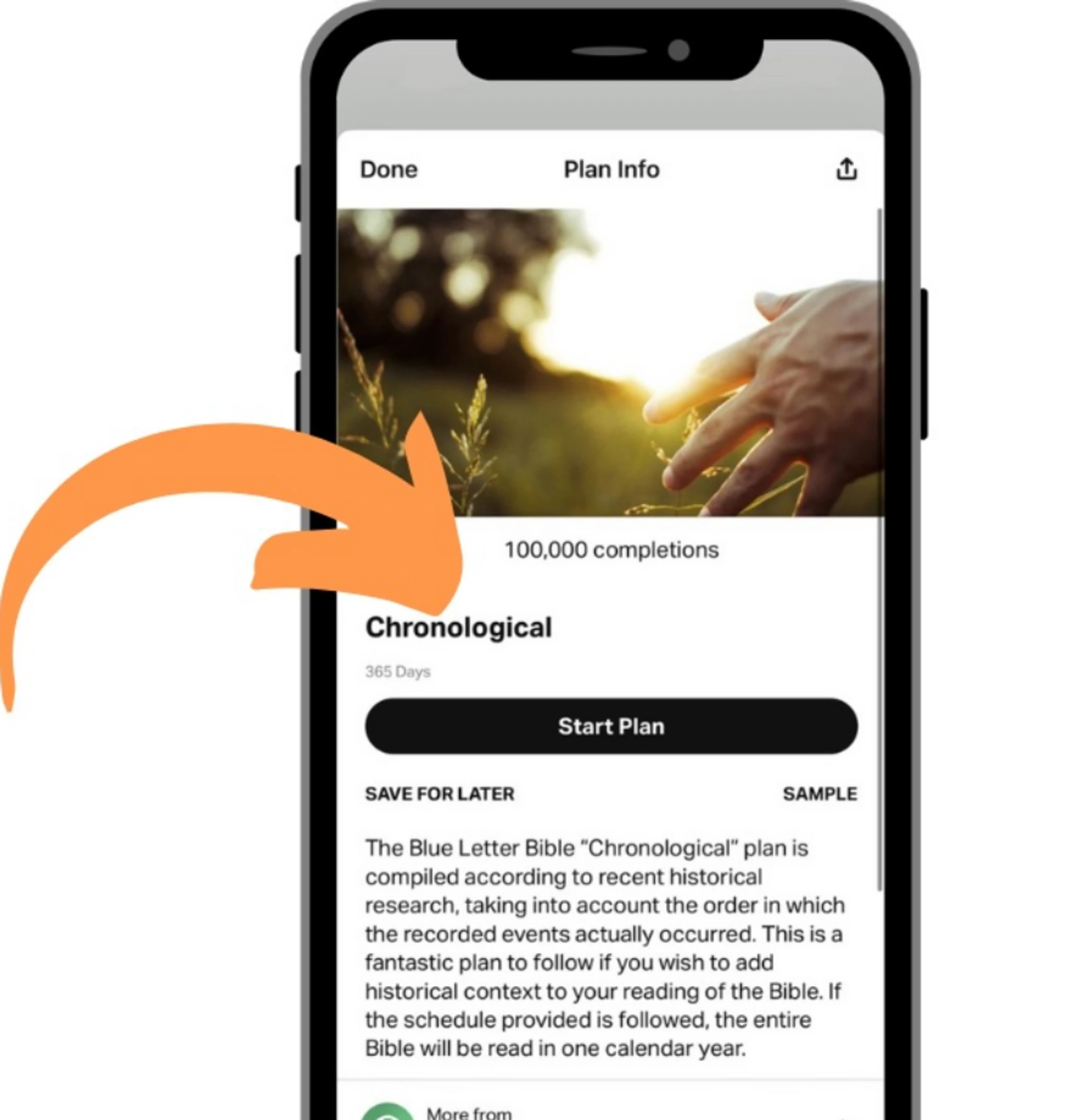
How to Join Our YouVersion Bible Reading Plan
- Download the YouVersion Bible App from the App Store or Google Play.
- Create a free account using your email address, Google account, or Apple account.
- Check for the link from your group facilitator. They will send you an invitation link to the Bible reading plan.
- Tap the invitation link on your phone.
- The link should open in the YouVersion Bible App. Select Accept Invitation or Join Plan.
- You’re in! Follow the daily readings and use the discussion section to interact with your group.
Dig IN
Dig into God’s Word and grow together.
How to Participate in the Bible Reading Plan
- Complete the daily reading and devotional.
- Reflect on what God is teaching you.
- Share a comment in the plan’s discussion area.
- Respond to others with encouragement or a thoughtful reply.
- Keep the conversation going as you read and grow together.
Remember: You don’t need to write a lot! A sentence about what stood out, a question, or an encouragement can help everyone engage.
Join the Connect Group
DON’T DELAY!
Our next Bible Reading Plan begins October 5. Join us and dig into God’s Word together!